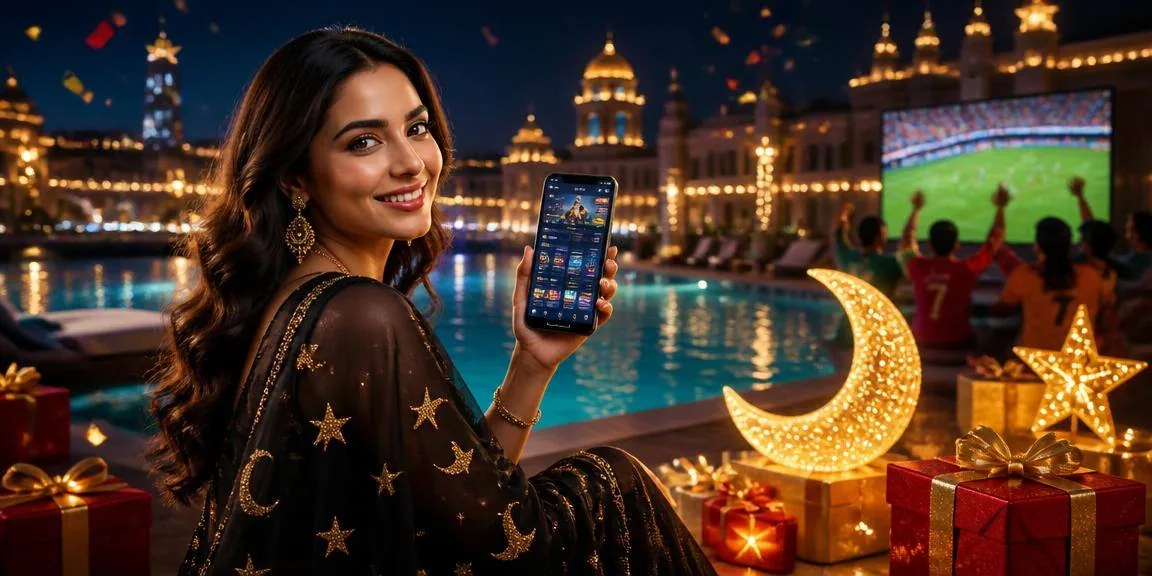

Browser access in three steps
We built the 330k lobby for mobile browsers — you reach the same live tables, slots and betting markets from your phone without installing anything. Open 330k in Chrome, Firefox or your device browser, sign in with your mobile number, and you're inside. Your bKash, Nagad or Rocket wallet sits right where you expect it in the account view. The site adapts
to your screen width automatically, so switching between the sportsbook and a slot session takes one tap. Save the site to your home screen if you want quick access; it behaves like a native shortcut but runs through your browser. No APK download, no app-store hunt — just bookmark and go.
- Open the site — Navigate to 330k in Chrome, Firefox, Safari or any mobile browser on Android or iOS; the layout shifts to fit your screen automatically.
- Sign in or register — Tap the account icon, enter your mobile number, confirm the OTP code sent to you, and you're inside the lobby with full wallet and game access.
- Add to home screen — Use your browser's bookmark or home-screen shortcut feature to pin 330k; it launches like an app icon but runs in your browser without installation.
- Check device compatibility — Most smartphones running Android 8+ or iOS 13+ handle the site smoothly; older devices may see reduced animation or slower table-stream loading.